
Tutorial & code
Fancy BB Testimonials
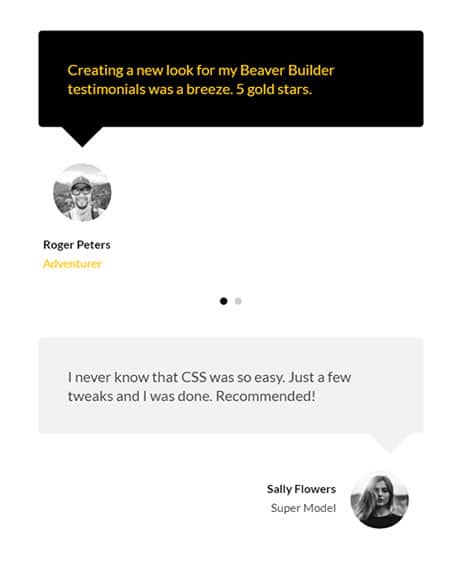
This gives Beaver Builder's testimonial module a little panache with some simple CSS.
Minimum BB plugin required: Standard Saved under: Rows
Skill level: Beginner Contributor: Paul Lacey
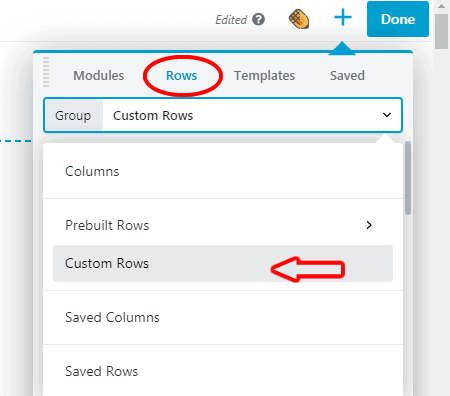
Template Location
Video
Notes
The video above by Paul Lacey was made before the Beaver Junction plugin was created and explains the code used. To use it simply:
- Drag the row template to your page and delete what you don’t need.
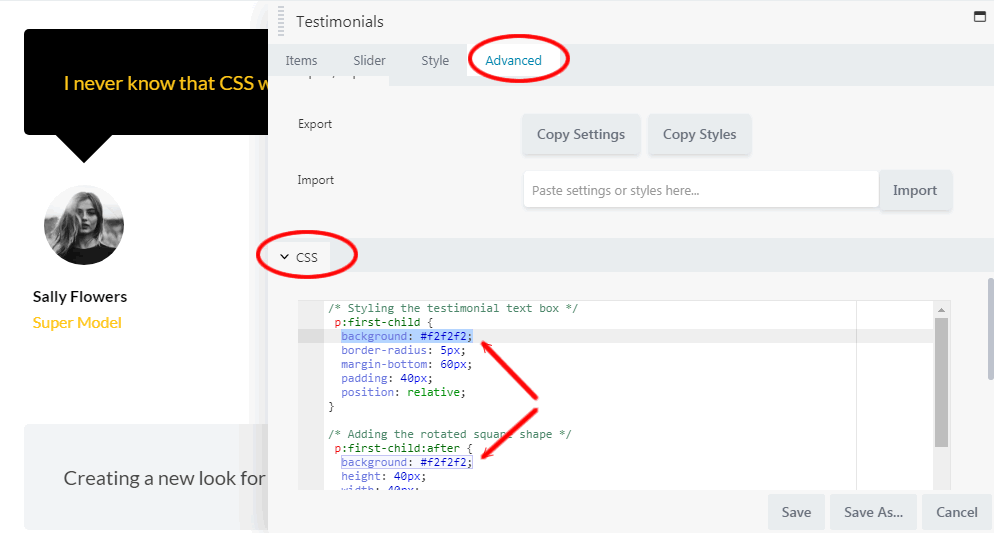
- Go to the advanced tab of the module and scroll to the CSS section (see image).
- To change the background color of the quote and pointer look for the 2 places where it says “background: #f2f2f2;” and change the hexadecimal value (#f2f2f2) to your color.
Tip: Colorzila has a handy free color picker extension for the Chrome and Firefox browsers.
See the Fancy BB Testimonials template in action.
Code
CSS
/* Styling the testimonial text box */
p:first-child {
background: #f2f2f2;
border-radius: 5px;
margin-bottom: 60px;
padding: 40px;
position: relative;
}

/* Adding the rotated square shape */
p:first-child:after {
background: #f2f2f2;
height: 40px;
width: 40px;
transform: rotate(45deg);
display: block;
content: "";
position: absolute;
bottom: -20px;
right: 5%;  /* add to move the pointer right*/
}

/* Style the image thumbnail */
img {
border-radius:100%;
height: 80px;
width: 80px;
margin: -10px 20px 0 20px;
}